


QR Studio Ultimate
10 B2B Tools in Vector format
1. QR function
2. Data Entry
3. Visual Design
4. Insert Logo
Vector Preview
Zero Ginning
The SVG formats exported by this tool are pure vector paths. They can be infinitely scaled while maintaining absolute typographical precision.
From Perfume to Smartphone
Personalized car air fresheners are no longer simple gadgets. Print a high definition QR Code on the back of your felt air freshener and turn every car into a direct point of contact with your customers.

Winning B2B Strategies
Find out how companies are using QR Codes on Sentorette air fresheners to increase conversions and sales.
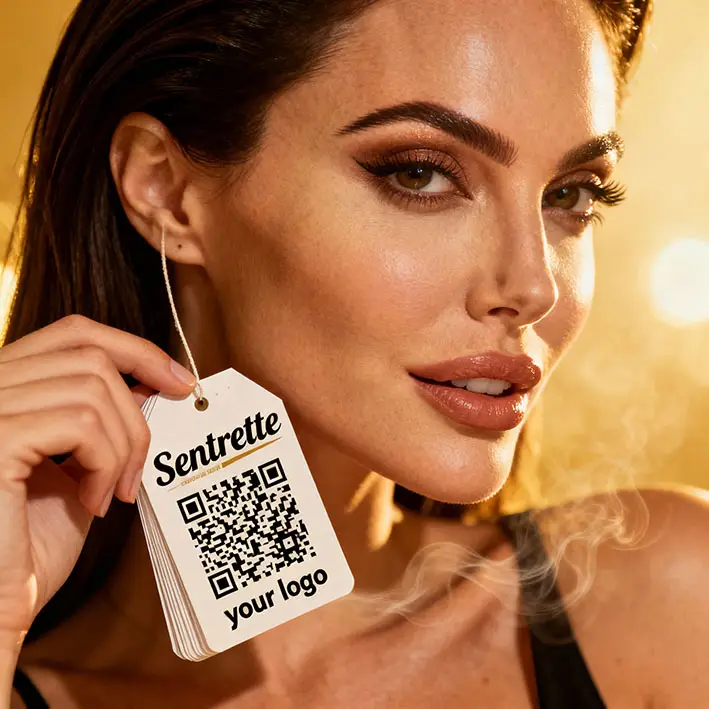
Lead Generation
Connect the QR to a dedicated Landing Page. Offer a small perk (like a free car wash) in exchange for signing up to your newsletter.

Referral (Word of Mouth)
Anyone who gets into the car will notice the air freshener. Set the QR to open a pre-populated WhatsApp message, inviting them to try your services.
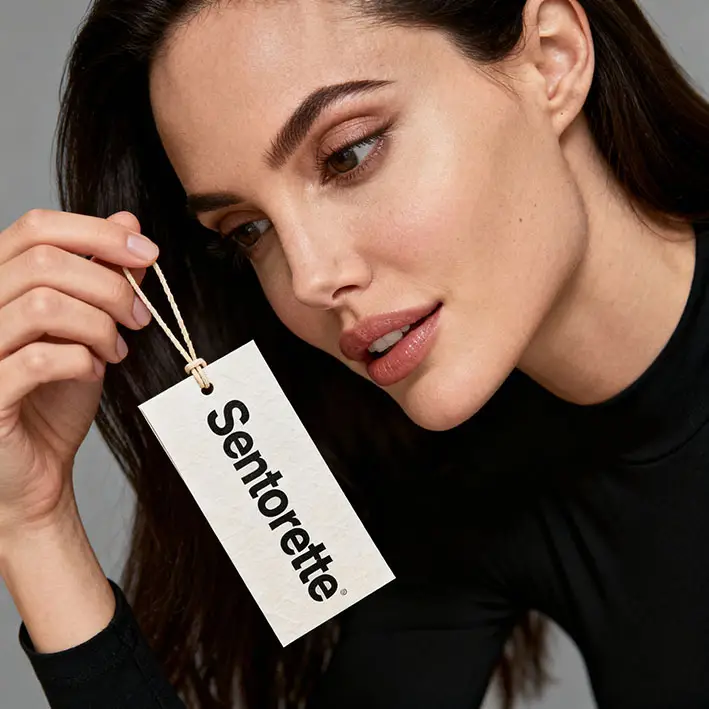
Calling card
The vCard function is perfect for sellers. By scanning the code, the customer will automatically save your number in the address book.
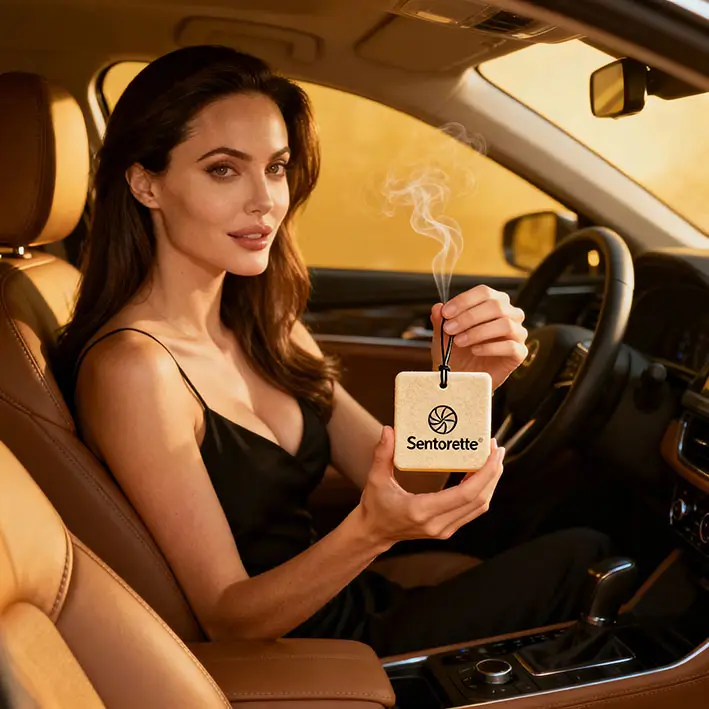
Private Label (Retail)
Do you sell your own brand air fresheners? Use the QR to link directly to your e-commerce, to repurchase the fragrance in one click.
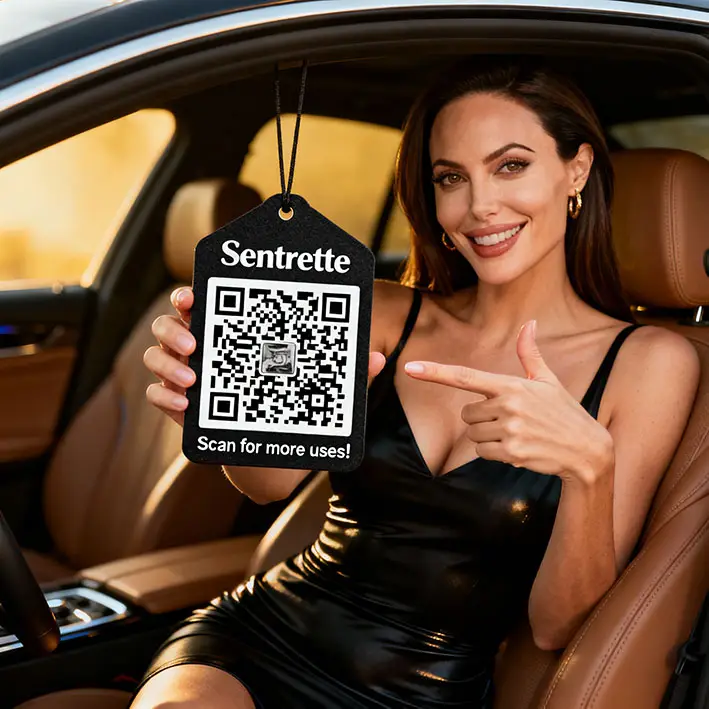
Die-cut Integration
Generate the SVG from this tool, import it into Illustrator, and insert it into the template. Native vector export guarantees a total absence of pixelation.
Frequently Asked Questions (Technical FAQ)
Can the fragrance damage the printed QR code?
Felt absorbs liquids: we recommend setting ECC Security to 'Maximum (H)'. This way, even if a module suffers micro-smudging, the camera will still decode the information.
Why download in SVG instead of PNG?
PNG is made of pixels: enlarging it will make it blurry. The SVG format is a mathematical path that ensures absolute typographic precision.
What is the Margin and why shouldn't I set it to zero?
The margin is the 'Quiet Zone'. For a phone to be able to read the code, there must be an area of neutral contrast that separates the QR from the rest of the graphics. Always use a margin of at least 2 points.